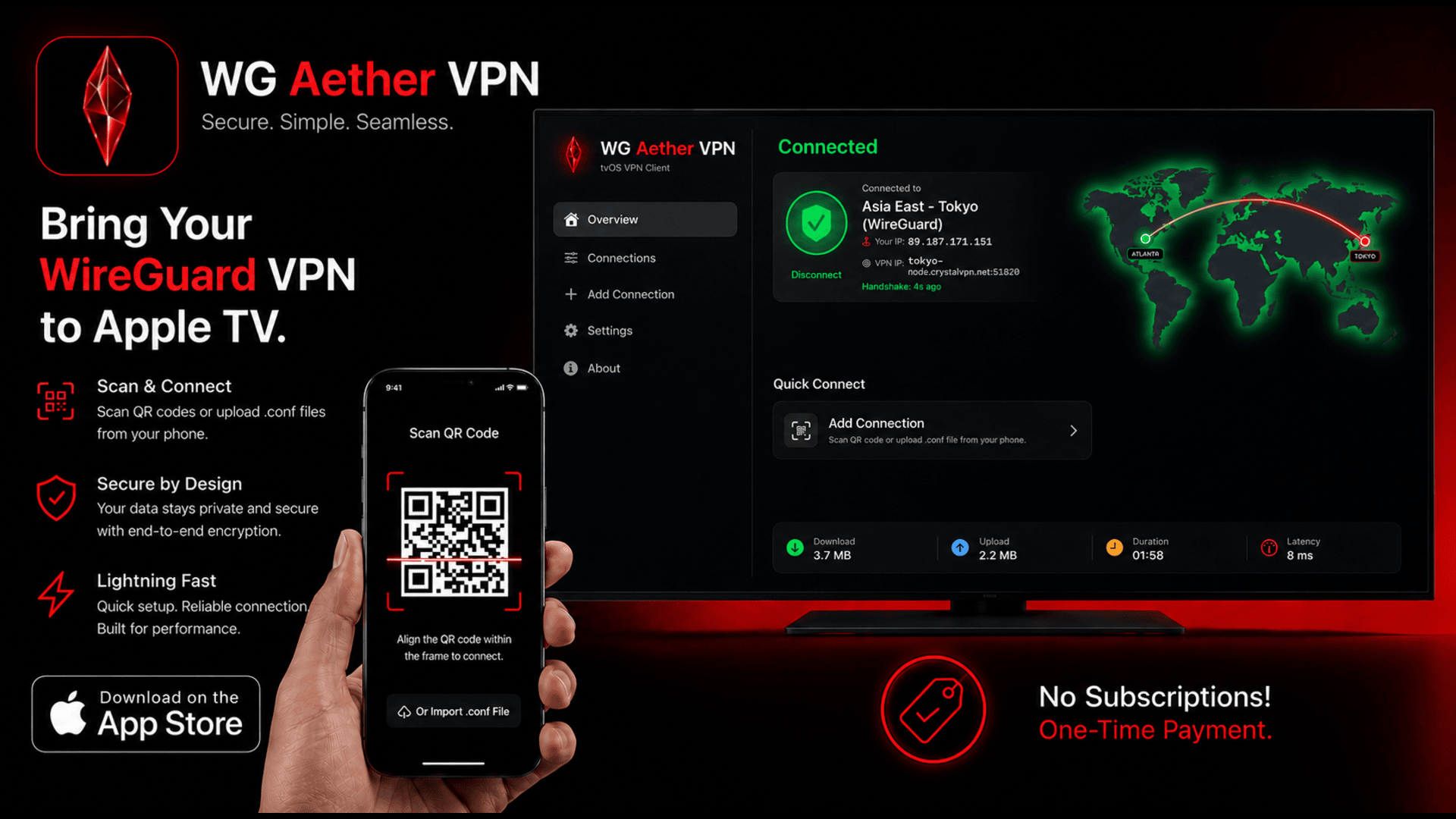
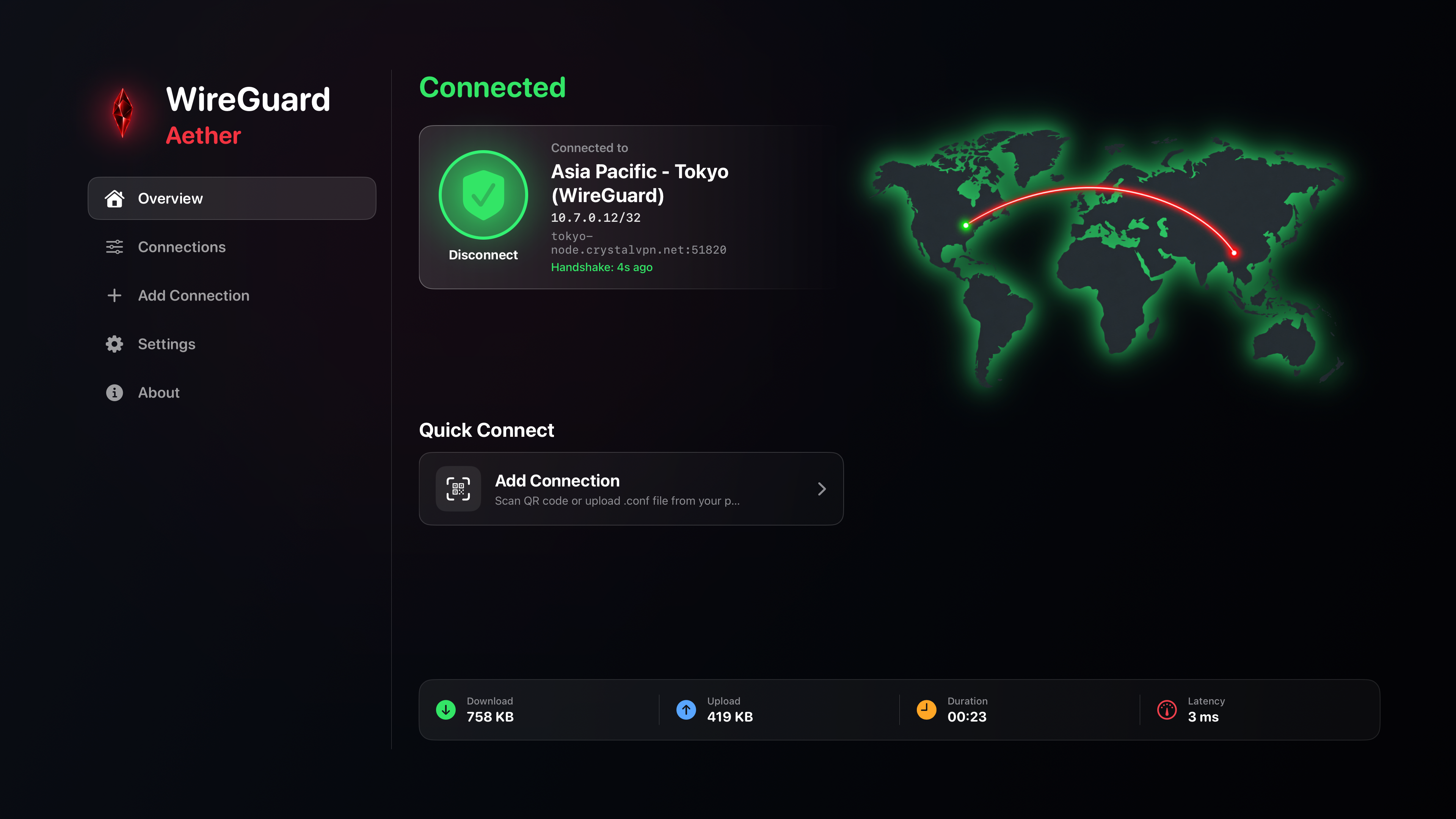
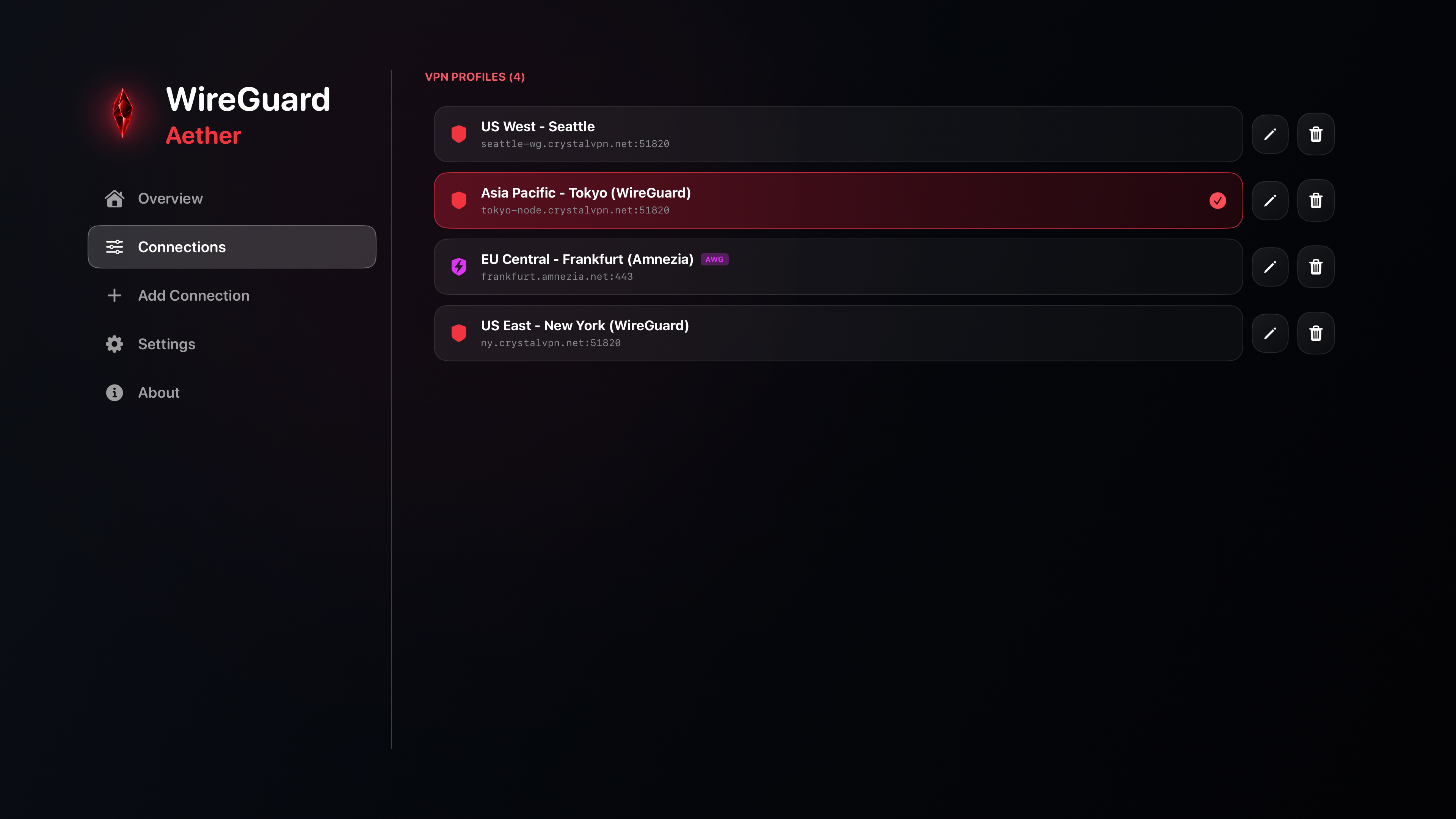
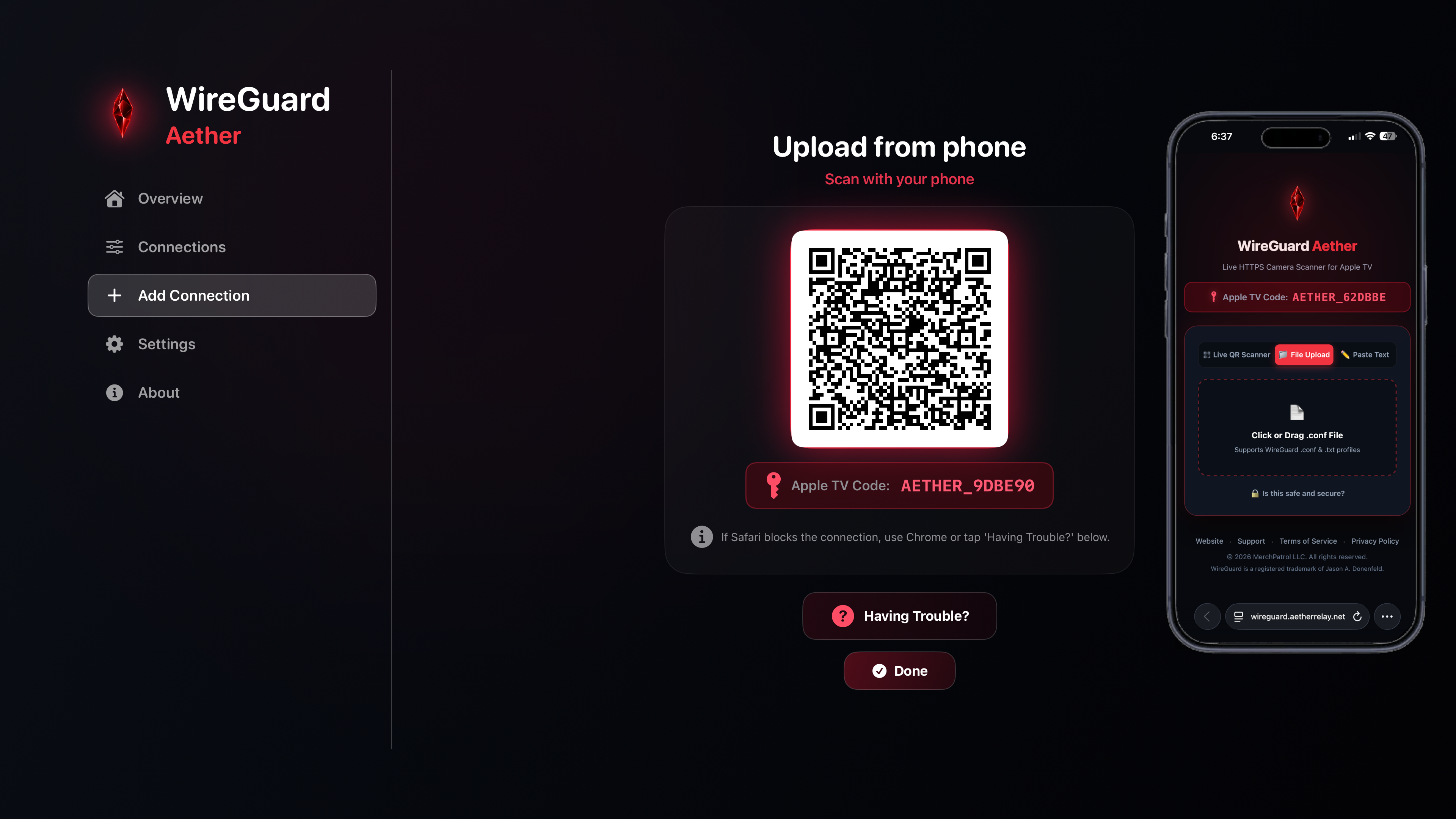
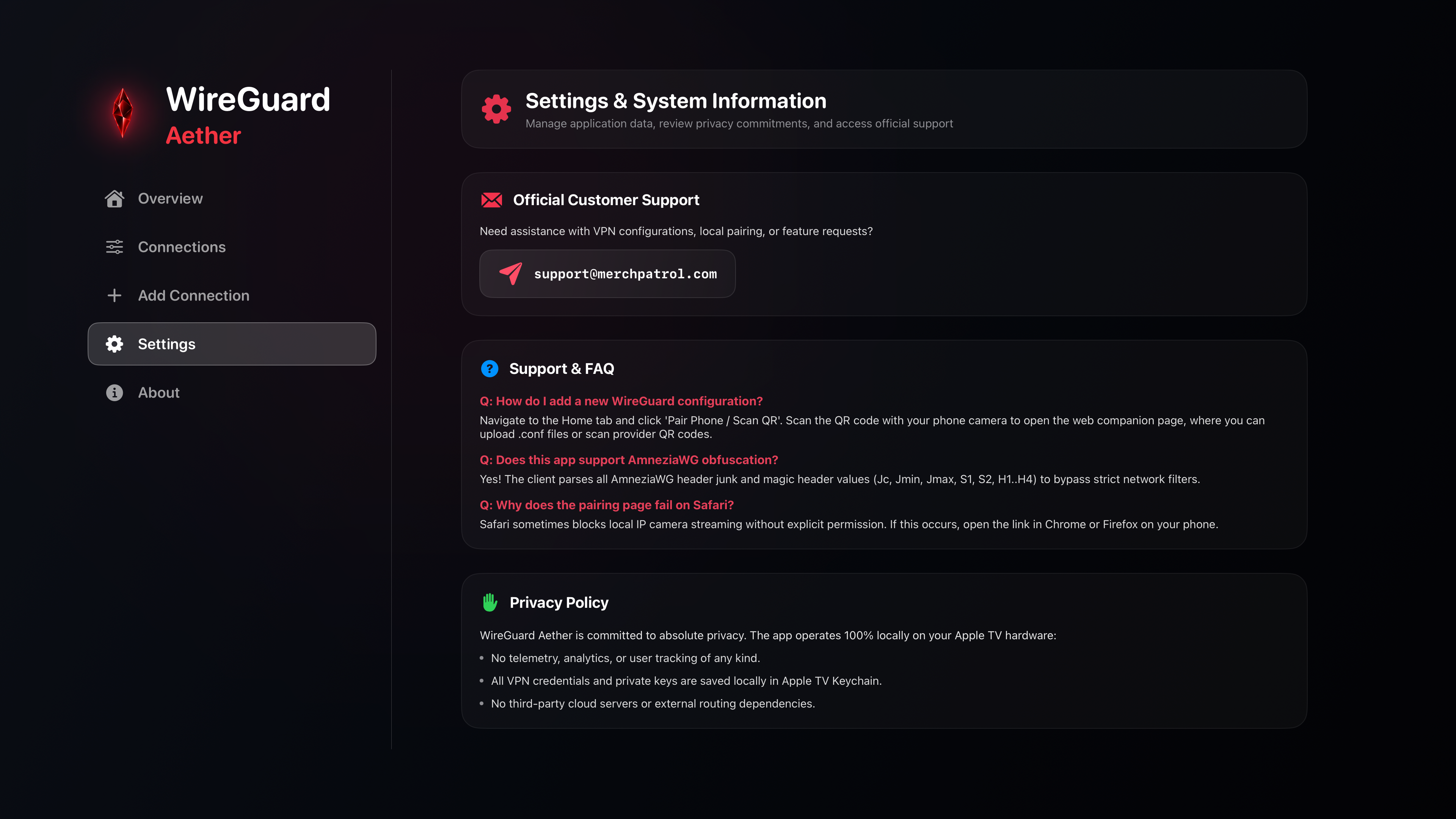
Experience blazing-fast 4K streaming, zero throttling, and instant QR profile importing directly on your Apple TV with WireGuard Aether.
A stunning Red Crystal obsidian interface crafted for big screen and mobile interaction.
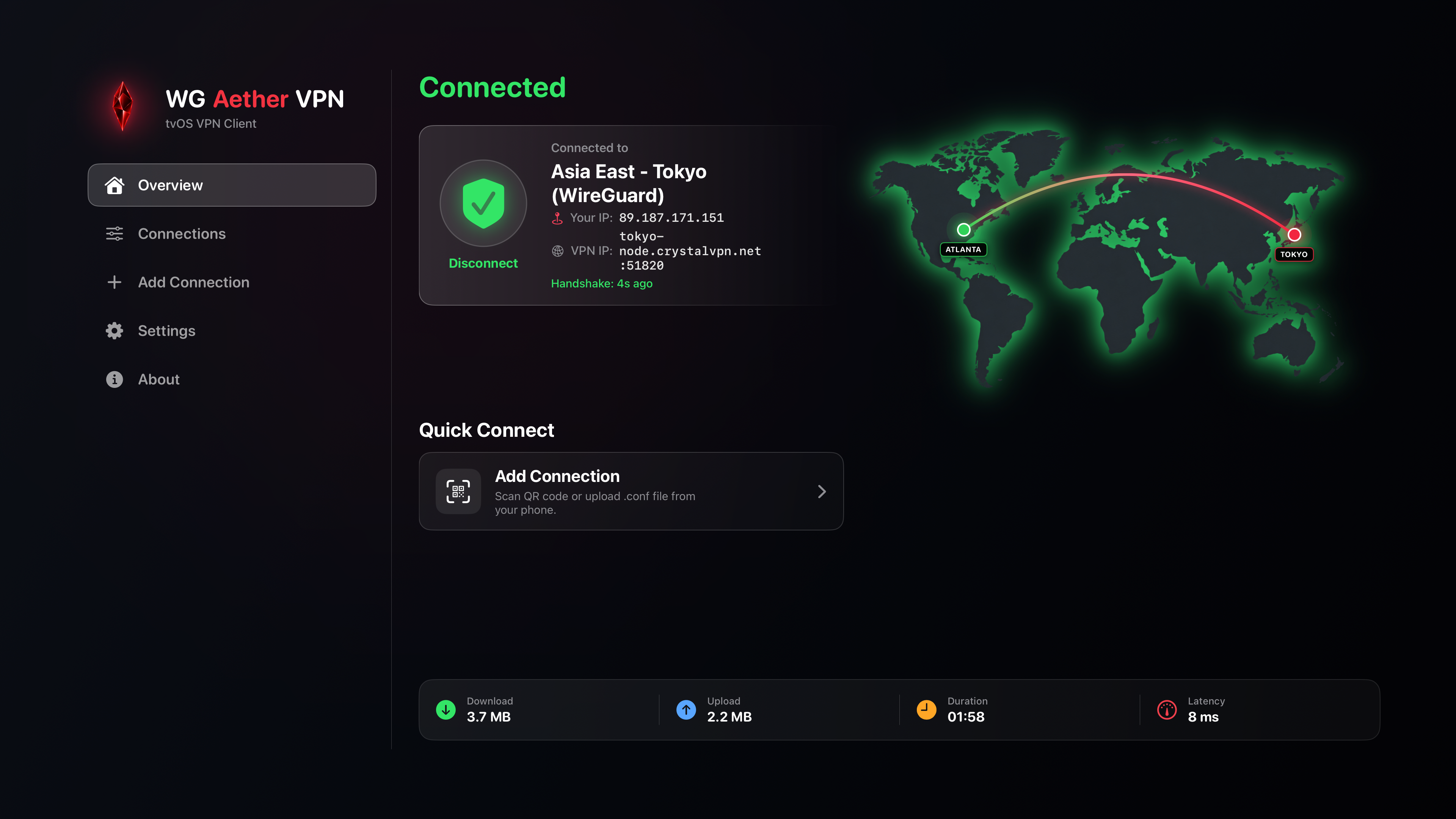
Toggle your secure WireGuard tunnel with a single press of your Siri Remote. View real-time connection status and IP info at a glance.
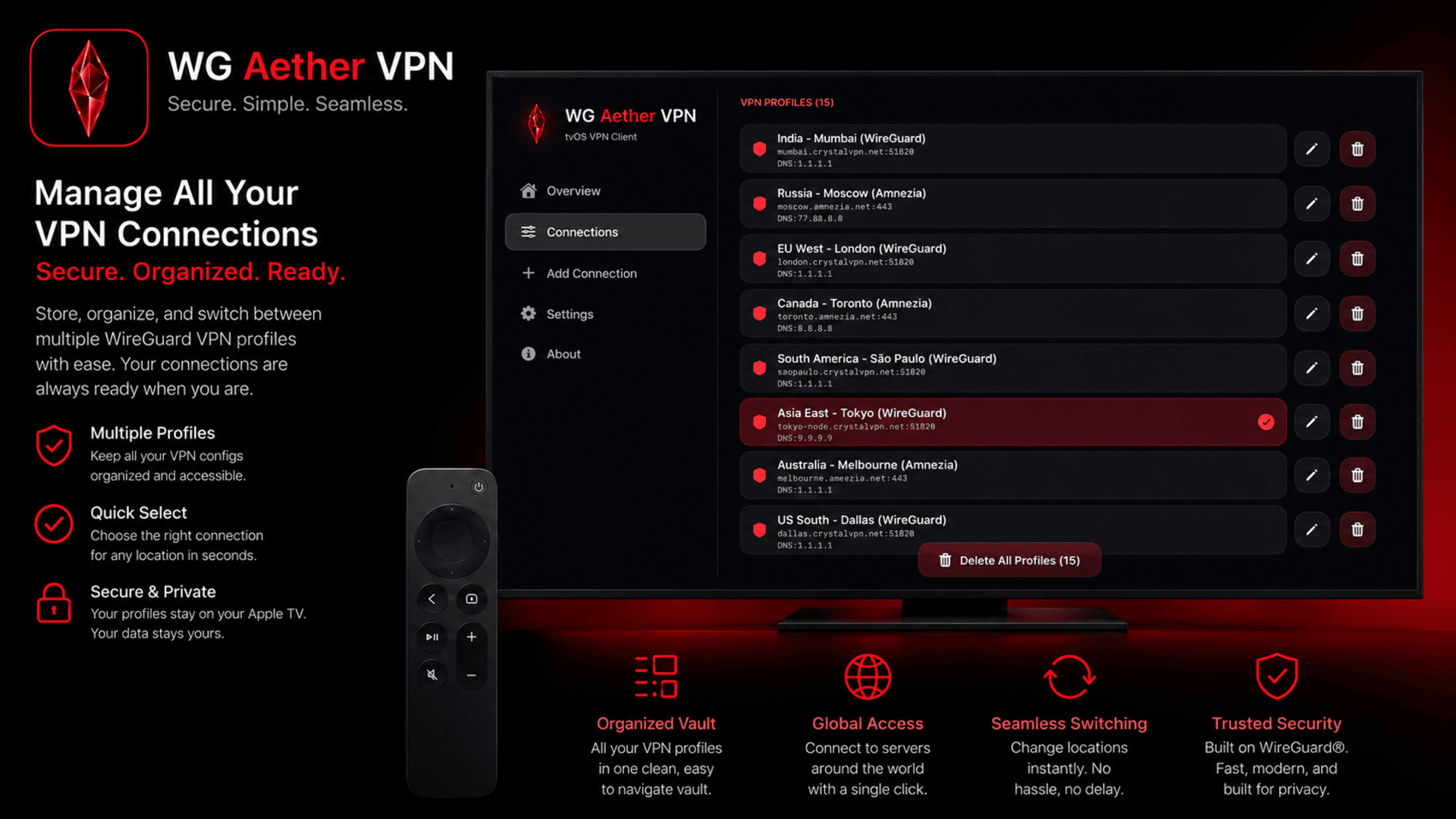
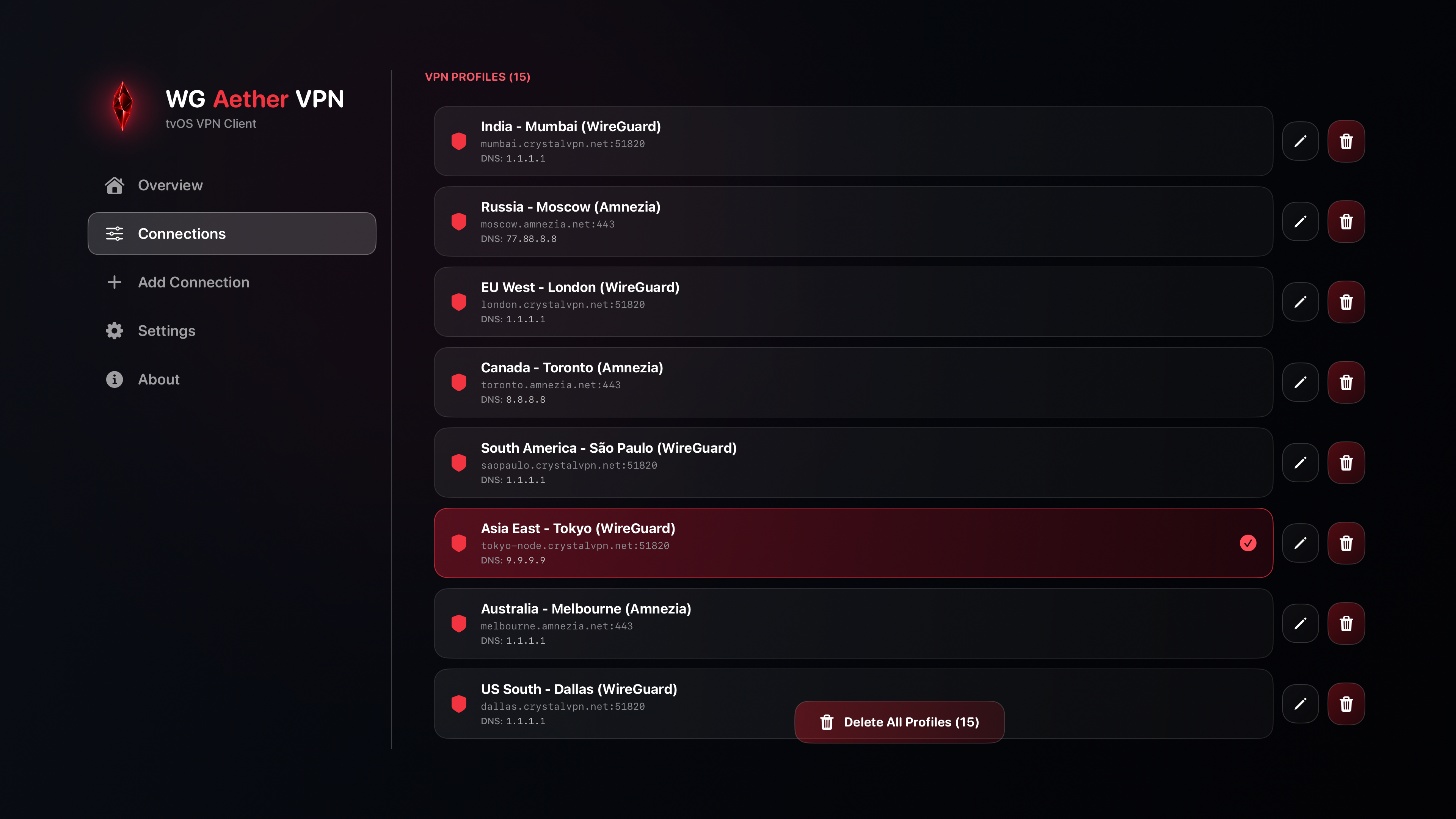
Organize and switch between multiple WireGuard configurations effortlessly. Rename, inspect, and manage tunnels directly on the big screen.
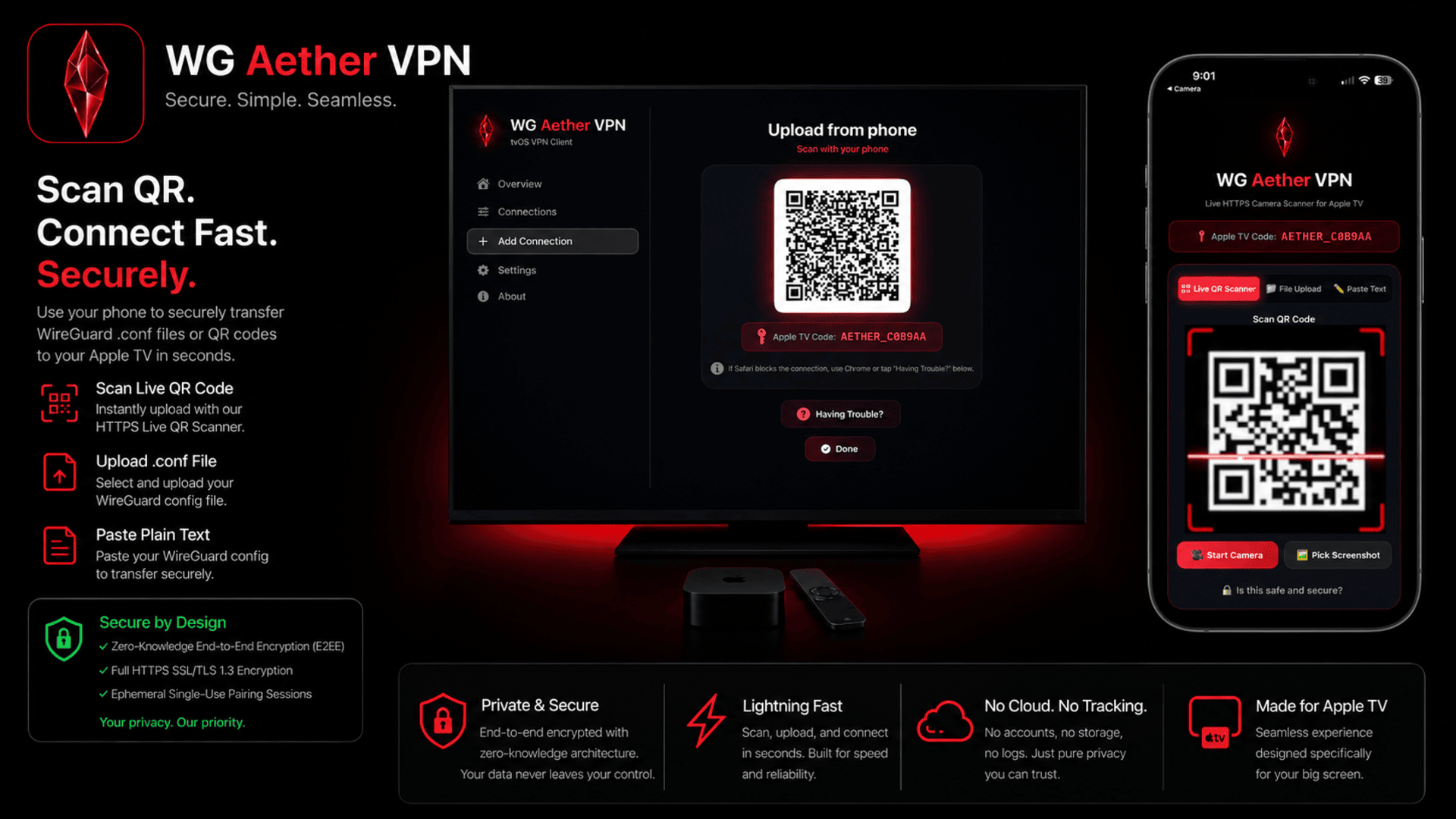
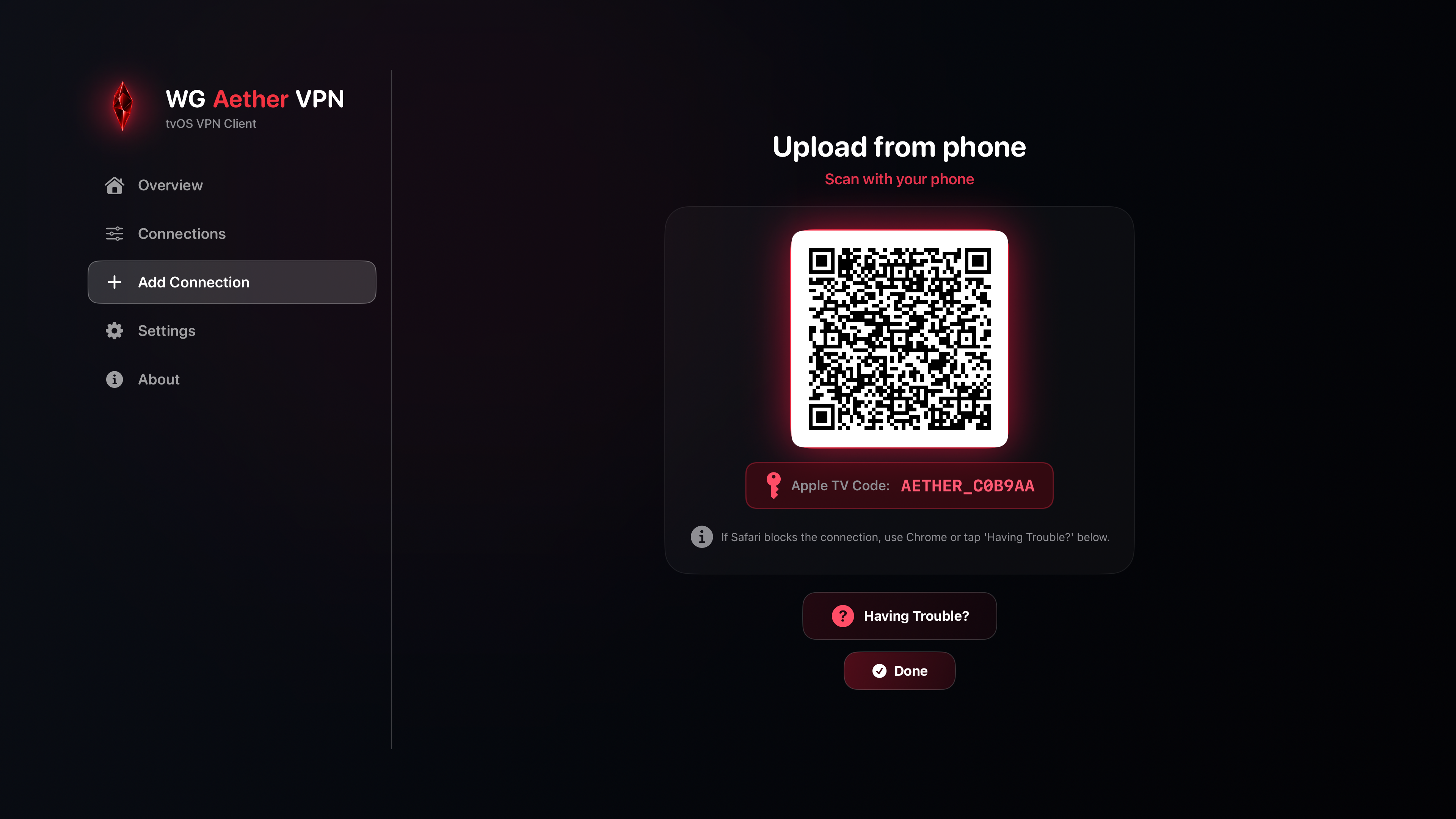
No typing required. Simply scan the generated QR code on your TV screen using your mobile device to transfer VPN profiles in seconds.
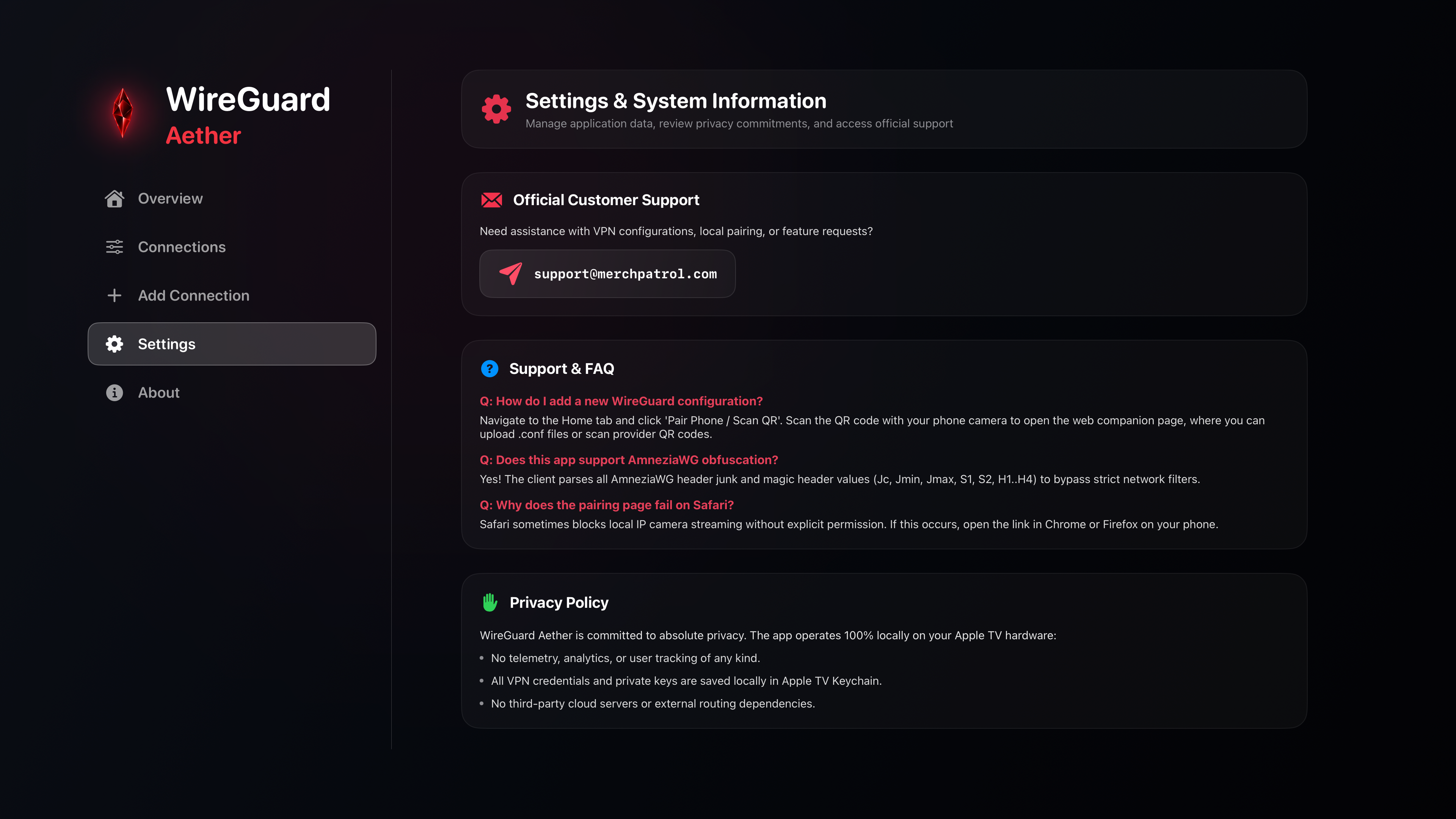
Manage app preferences, configure pairing security, and inspect network logs directly inside the tvOS app.
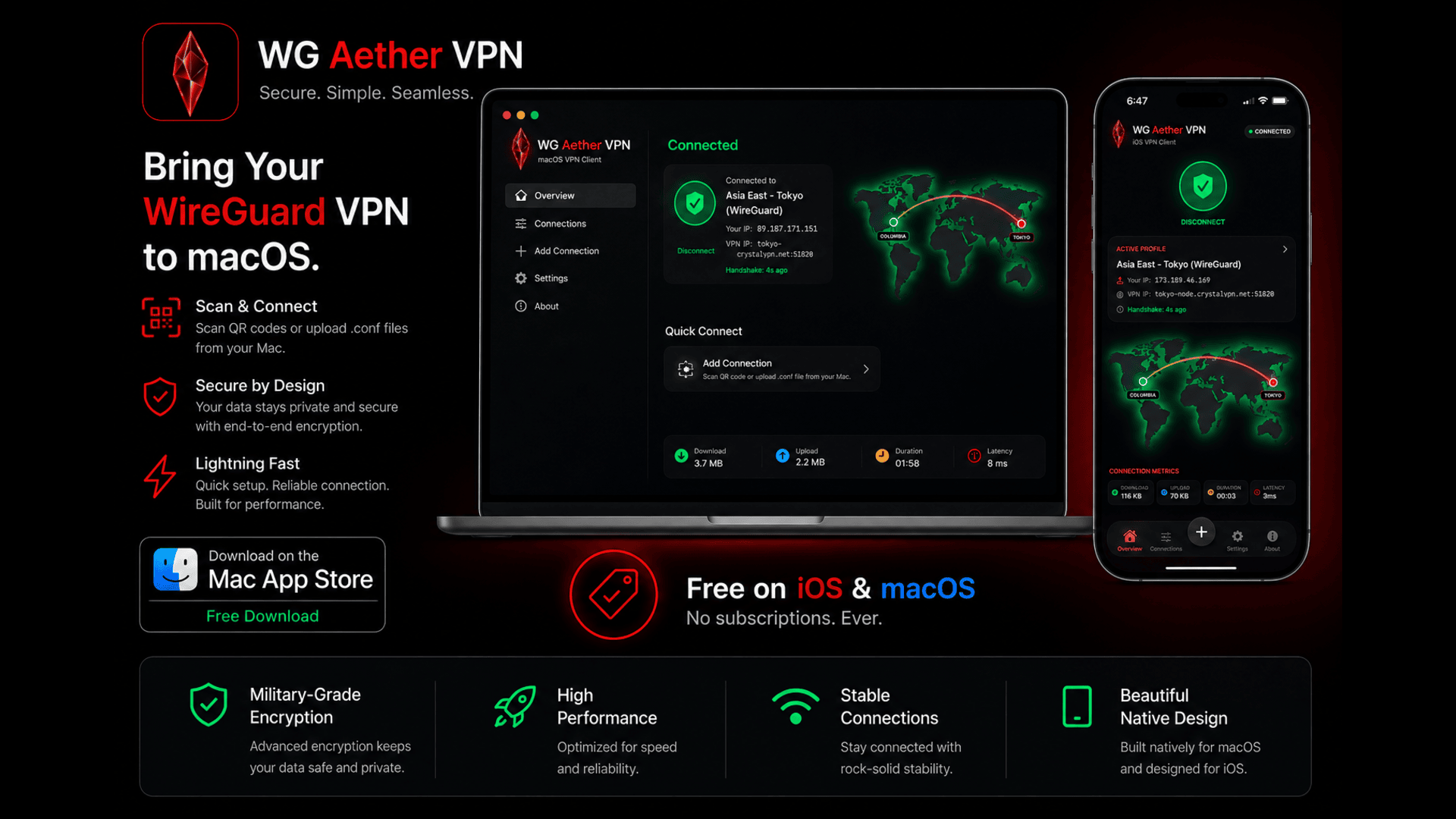
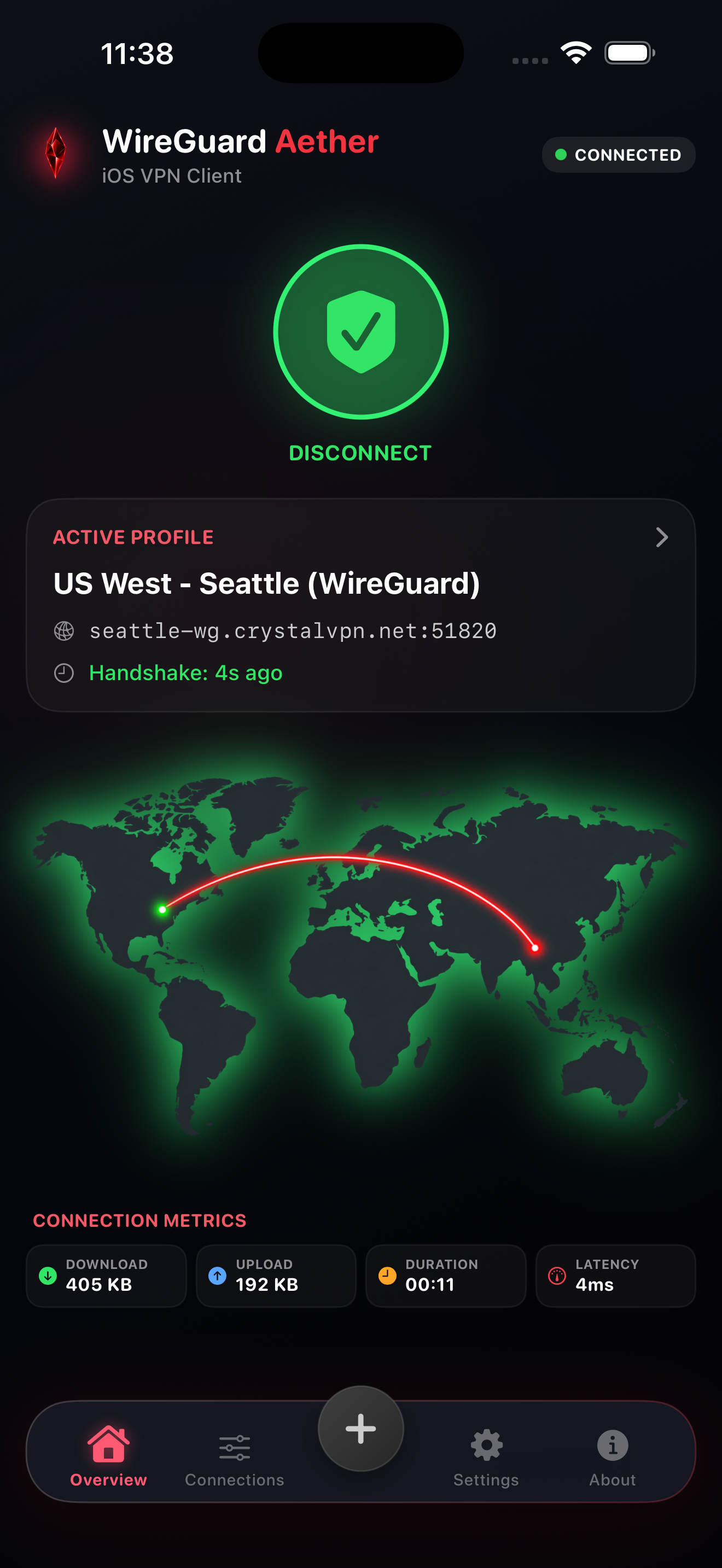
Monitor your active mobile WireGuard connection, real-time data throughput, and security status on iOS.
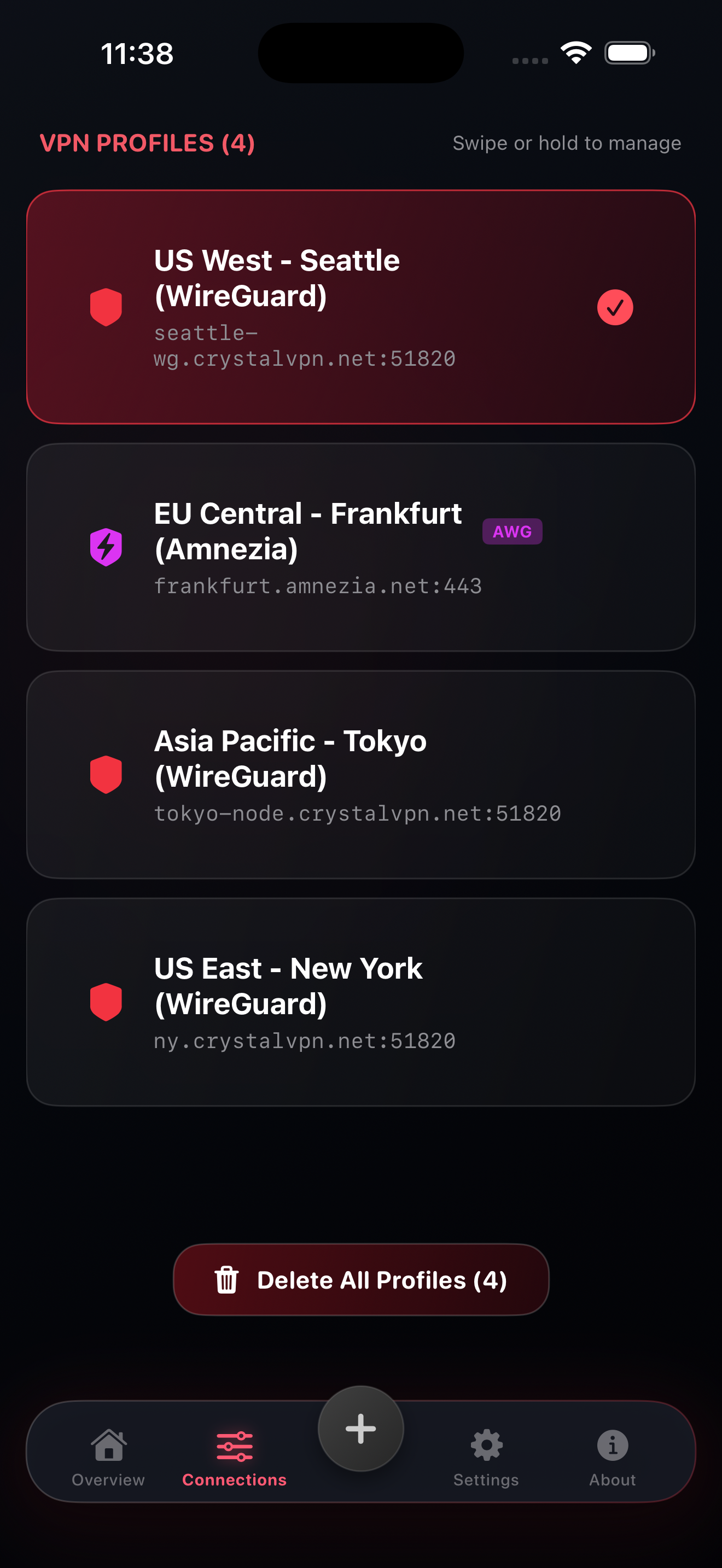
Store, rename, and toggle multiple WireGuard configuration files instantly on your iPhone or iPad.
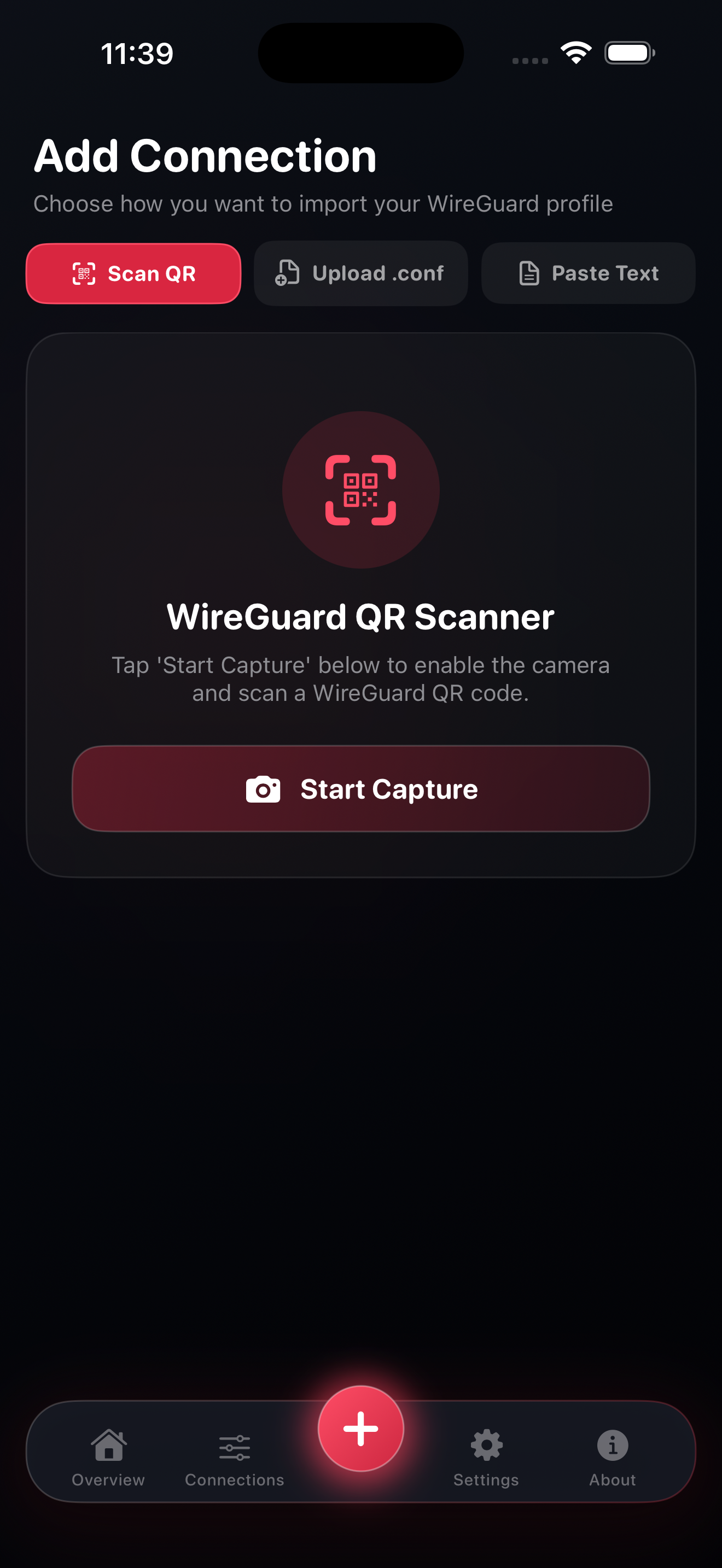
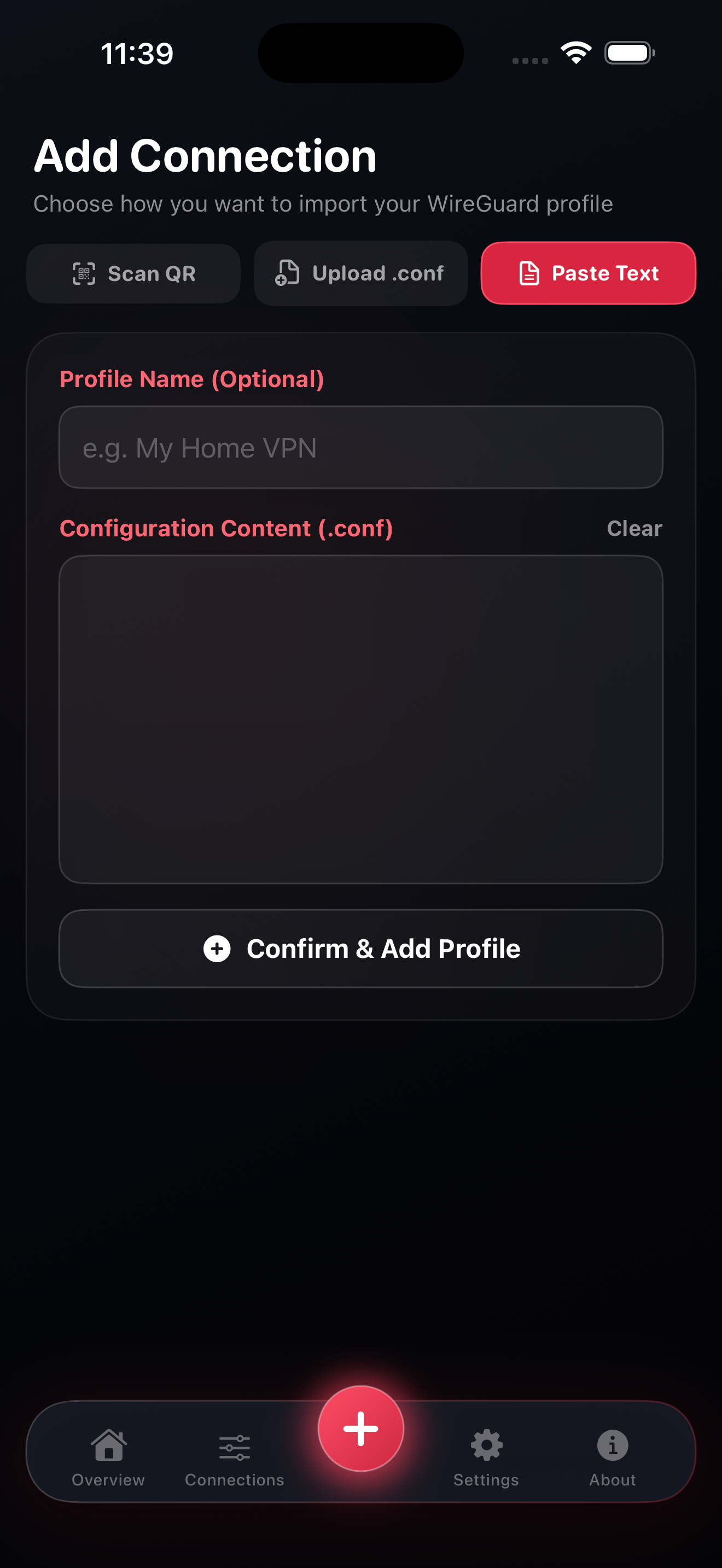
Use your camera to scan TV pairing QR codes or WireGuard configuration QR codes seamlessly.
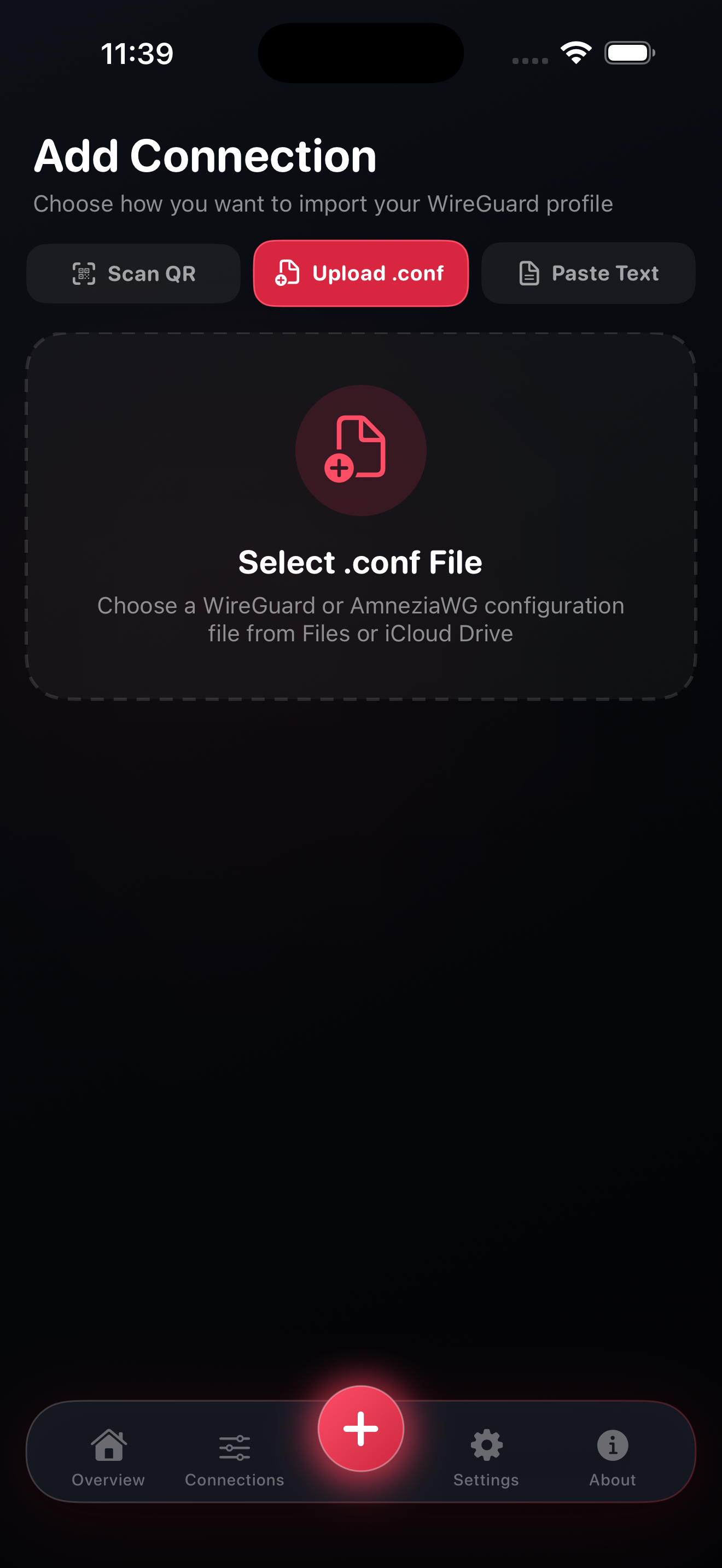
Import WireGuard configuration `.conf` files directly from iOS Files app or email attachments.
Quickly paste raw WireGuard text configs directly into the app for instant connection creation.
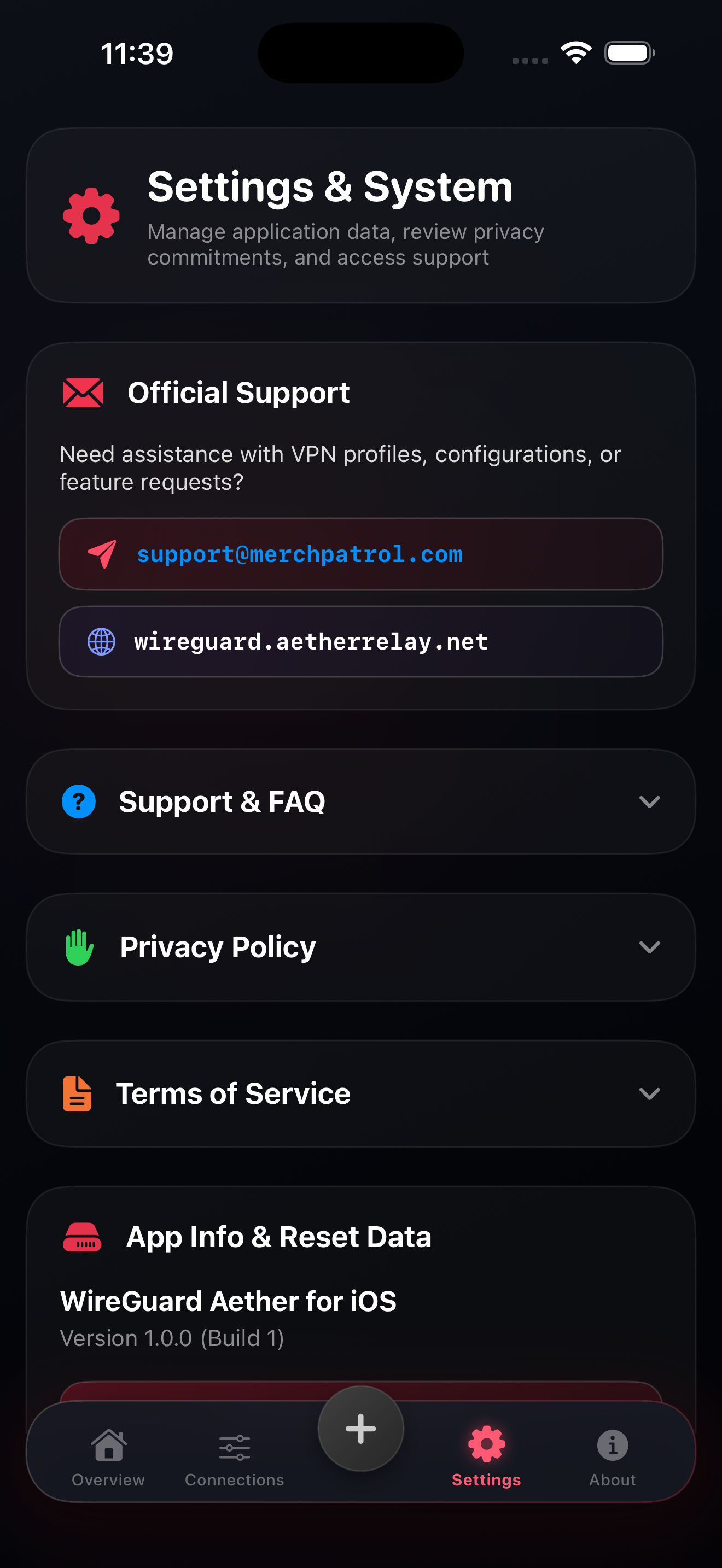
Configure end-to-end encrypted relay settings, secure pairing permissions, and theme options.
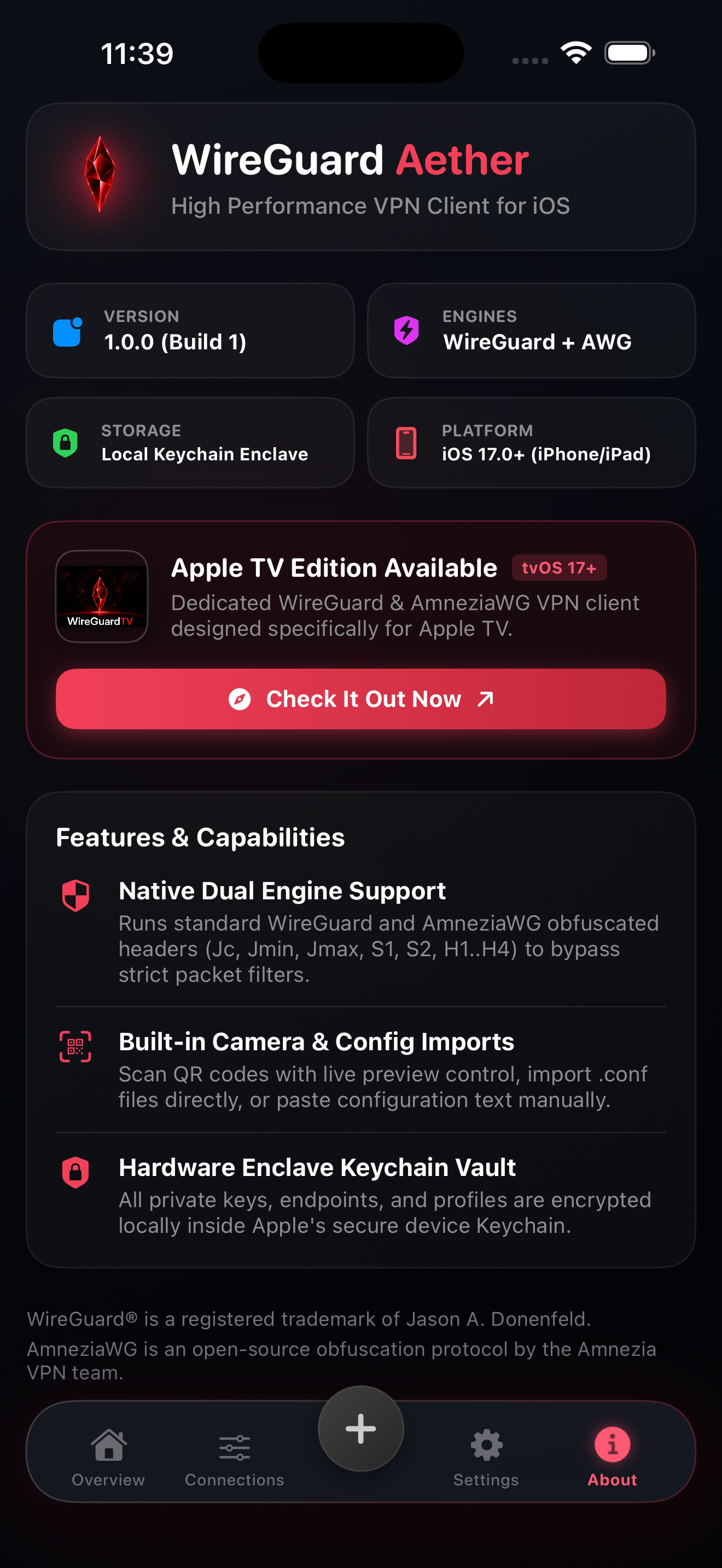
Verify open-source zero-data retention architecture and view system diagnostic logs.
Leverage state-of-the-art cryptography for high-speed UDP tunnels optimized for 4K/HDR streaming without lag or buffer delay.
Experience an obsidian glass UI with luminous ruby focus indicators engineered specifically for 10-foot remote navigation.
Your connections stay strictly private. WireGuard Aether never tracks, stores, or logs your browsing history or network traffic.